Integrate Your Banks
Sync Banking & Transactions
We understand that automating transaction imports are a huge asset when it comes to getting paid and staying organized. Invoice Ninja has partnered with Yodlee and/or GoCardless 'Bank Account Data' (formally Nordigen), specialist providers of secure bank data connections, to offer bank, credit cards, and PayPal transaction data syncing.
- Import Bank & Card Transactions
- Match Deposits to [Multiple] Invoices
- Match Withdrawals/Expenses to Vendors
- Enable "Autosync" download transactions
- Support Exporting Expenses & Vendors
- Bulk Assign Expense Categories
- Bulk Create Expenses from Transactions
How Bank Feeds Work
Set up Yodlee or GoCardless 'Bank Account Data' bank feeds in your Invoice Ninja account! Yodlee and/or GoCardless then retrieve your bank transactions for import into Invoice Ninja.
More Info & Support Docs →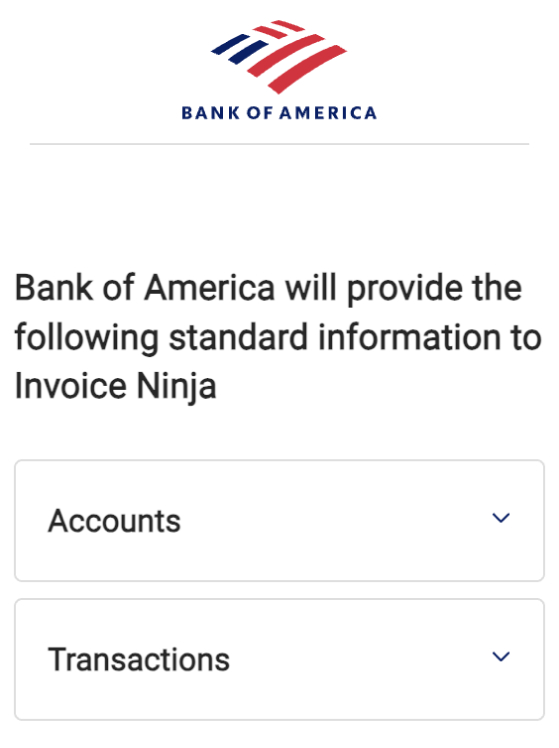
"Autosync" to Import Bank Feeds or Enter Transactions Manually
Manually or automate your banks data being pulled into Invoice Ninja for later matching against invoices & vendors.
Match Transactions to Invoices & Expenses
Match your daily deposits as payments across multiple invoices.
Match Withdrawals to Vendors
Match bank withdrawals to Vendors in your Invoice Ninja account. Then rebill expenses to clients or run expense reports.